V1.10.1 (macOS)
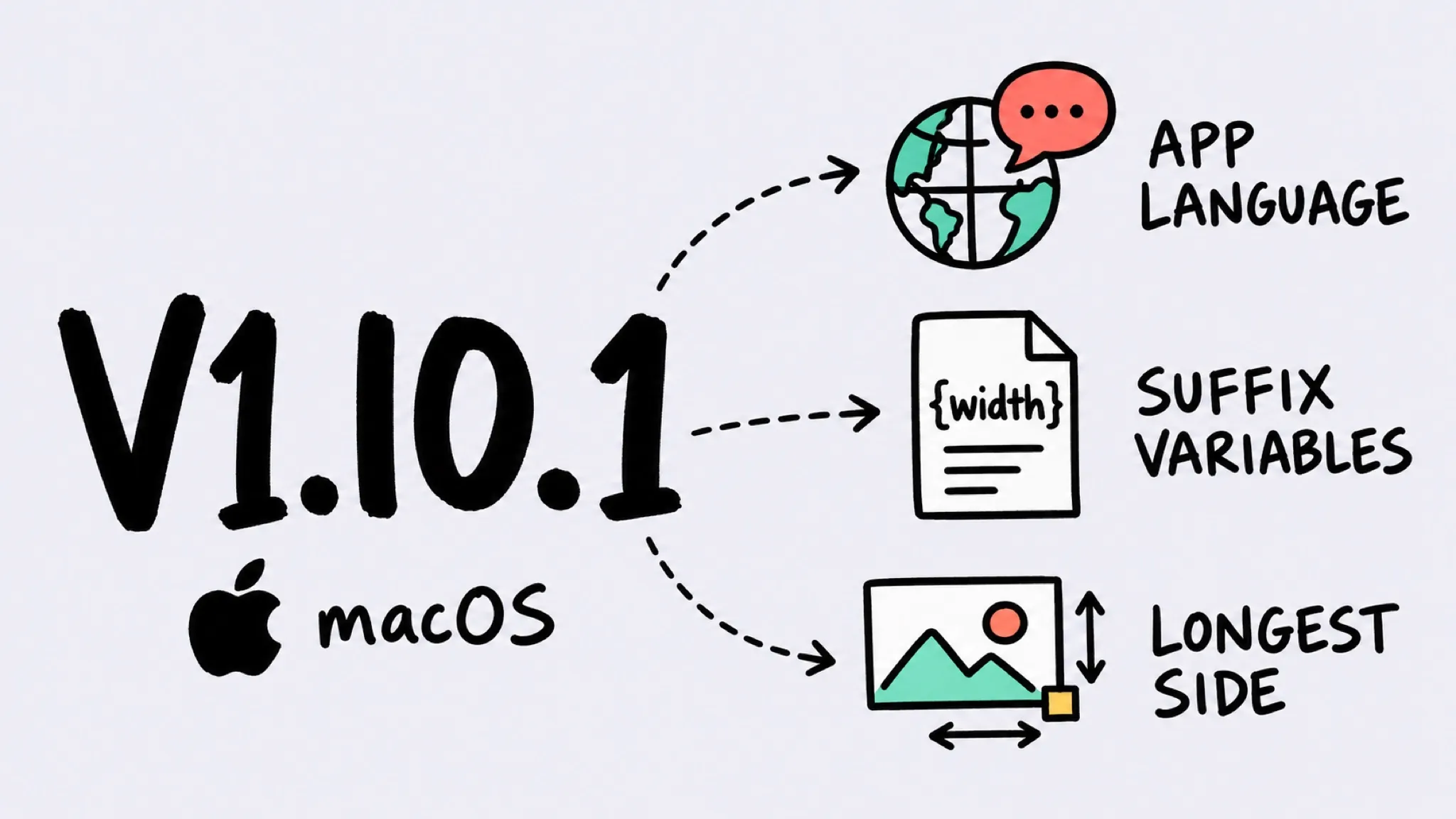
Zipic v1.10.1 for macOS adds an interface language setting (system, English, Simplified Chinese, Traditional Chinese), template variables in filename suffixes, and a new longest-side resize mode — plus fixes for a lost activation credential, stale trial state, compression failures with no visible reason, PDF trailer errors, and clipboard JPEG write-back. macOS and Windows share the same major.minor version; patch releases ship independently per platform, and the latest Windows version is v1.10.2.
Thanks to @SpiciComic (suffix template variables), Adam Sébire (longest-side resizing), Gary Wilson (PDF compression), and Vinod Talari (clipboard JPEG write-back) — several of the changes in this release grew out of your reports.
Zipic’s macOS and Windows versions share the same major.minor number (1.10), while patch versions ship independently at each platform’s own pace. This v1.10.1 is a patch release for the macOS version; the equivalent Windows patch shipped separately on v1.10.2 (Windows).
✨ New Features
- App language: Settings now lets you pin the interface language instead of following the system — choose system default, English, Simplified Chinese, or Traditional Chinese. The change takes effect after you restart Zipic.
- Suffix template variables: filename suffixes accept
{width},{height},{format},{date}, and{quality}, resolved against the actual output file — in the main output and in every multiple output alike. Variables are case-insensitive, unknown ones are left as-is, and a{}button next to the suffix field inserts them. The CLI, Shortcuts, and URL Scheme accept them too. - Longest-side resizing: a new “Longest side” mode constrains the output by its longer edge, so portrait and landscape shots can share one preset. Available in the pixel panel, and in the CLI (
--longest-side), Shortcuts, and URL Scheme.
🐛 Bug Fixes
- Activation no longer lost: fixed a startup validation path that could delete your license from the Keychain when a read failed — for example after you declined the Keychain prompt or while the keychain was locked. Your activation now stays put.
- Accurate trial state: an exhausted or expired trial no longer shows the trial entry point again, and trial-device binding stays consistent with what offline validation reports, so an expired trial can’t look eligible a second time.
- Visible failure reasons: when compression fails, the red cross in the main list and detail view now reveals the reason on hover or click, and CLI results carry the error text too.
- PDF compatibility: fixed “Invalid file trailer” failures when compressing linearized and incrementally updated PDFs.
- Clipboard JPEG write-back: fixed pasting a compressed JPEG into apps like OneNote saving a PNG several times larger, because those targets prefer to read public.png from the clipboard.