V1.10.2 (Windows)
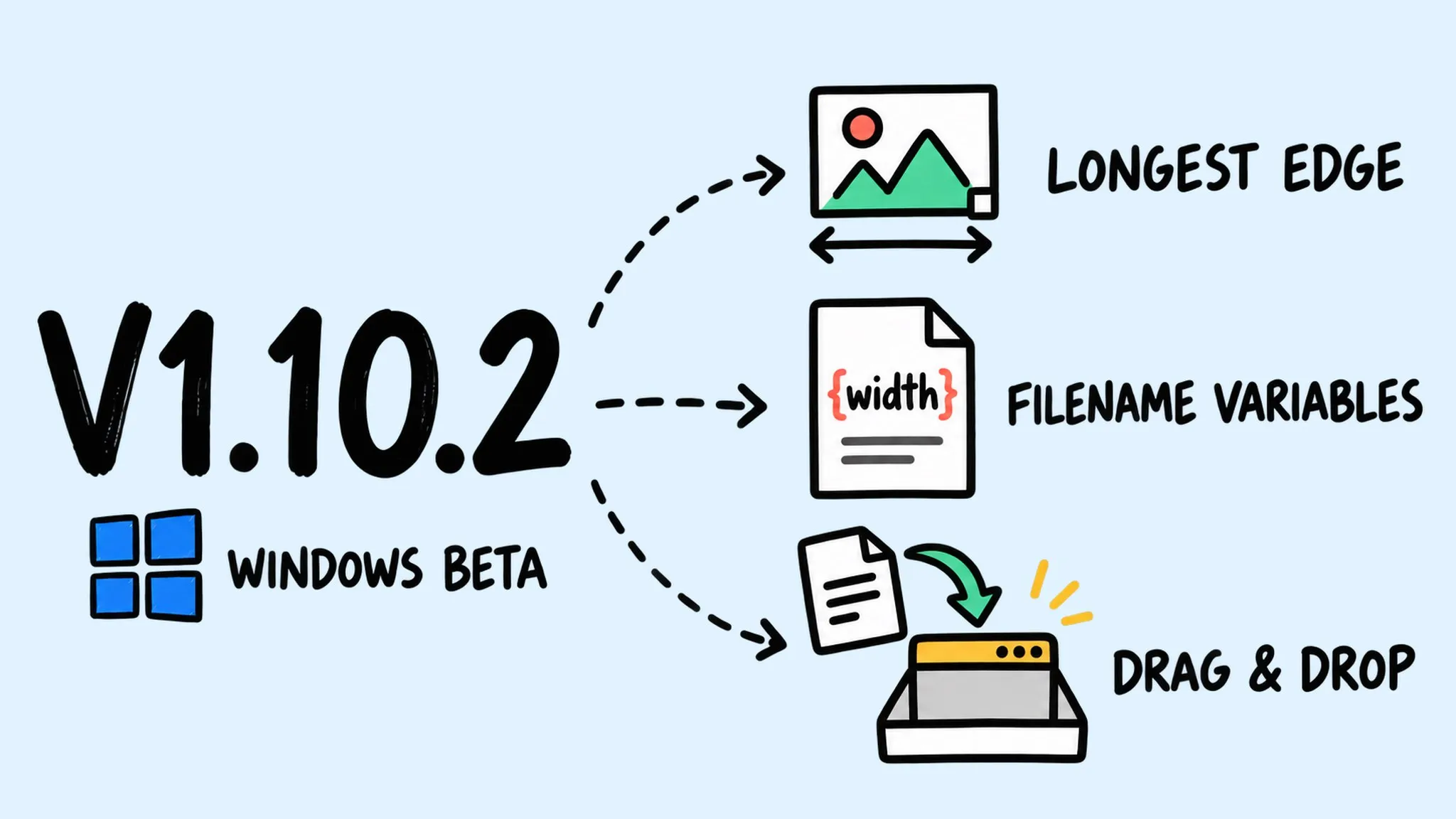
Zipic v1.10.2 is a patch release for the Windows version (Beta) that brings it in line with macOS v1.10.1: longest-edge resizing, filename template variables, and an app language setting, plus fixes for PDF compression, photo orientation, and trial and activation states, and more reliable drag-and-drop. macOS and Windows share the same major.minor version; patch releases ship independently per platform, and the latest macOS version is v1.10.1.
Thanks to Pipu for reporting that PDFs could not be dragged into the window on Windows 10 — the drag-and-drop work in this release grew out of that report.
Zipic’s macOS and Windows versions share the same major.minor number (1.10), while patch versions ship independently at each platform’s own pace. This v1.10.2 is a patch release for the Windows version (Beta) that brings it in line with the macOS v1.10.1, rolling out via the Microsoft Store.
✨ New Features
- Longest-edge resizing: give landscape and portrait images a consistent longest-edge size while preserving their aspect ratio.
- Filename variables: use width, height, format, date, and quality variables in filename suffixes to keep batch output organized.
- App language: follow your system language or choose English, Simplified Chinese, or Traditional Chinese. Restart the app to apply your choice.
🐛 Bug Fixes
- PDF compression: fixed compression failures with some PDF files.
- Photo orientation: fixed incorrect orientation in compressed photos when preserving metadata.
- Trials and activation: corrected how trial eligibility, expiration, and verification states are displayed and handled. Reconnect and verify to restore a trial that is still valid.
🚀 Other Improvements
- Pro upgrade options: unified the trial, verification, purchase, and license-key entry options, showing the actions that apply to your current license status.
- Drag and drop: improved file drag-and-drop compatibility and made drop highlighting more consistent.
- Troubleshooting: added a shortcut to the log folder and clearer error details for failed command-line compression.