macOS
V1.9.0
2026-03-19 okooo5km
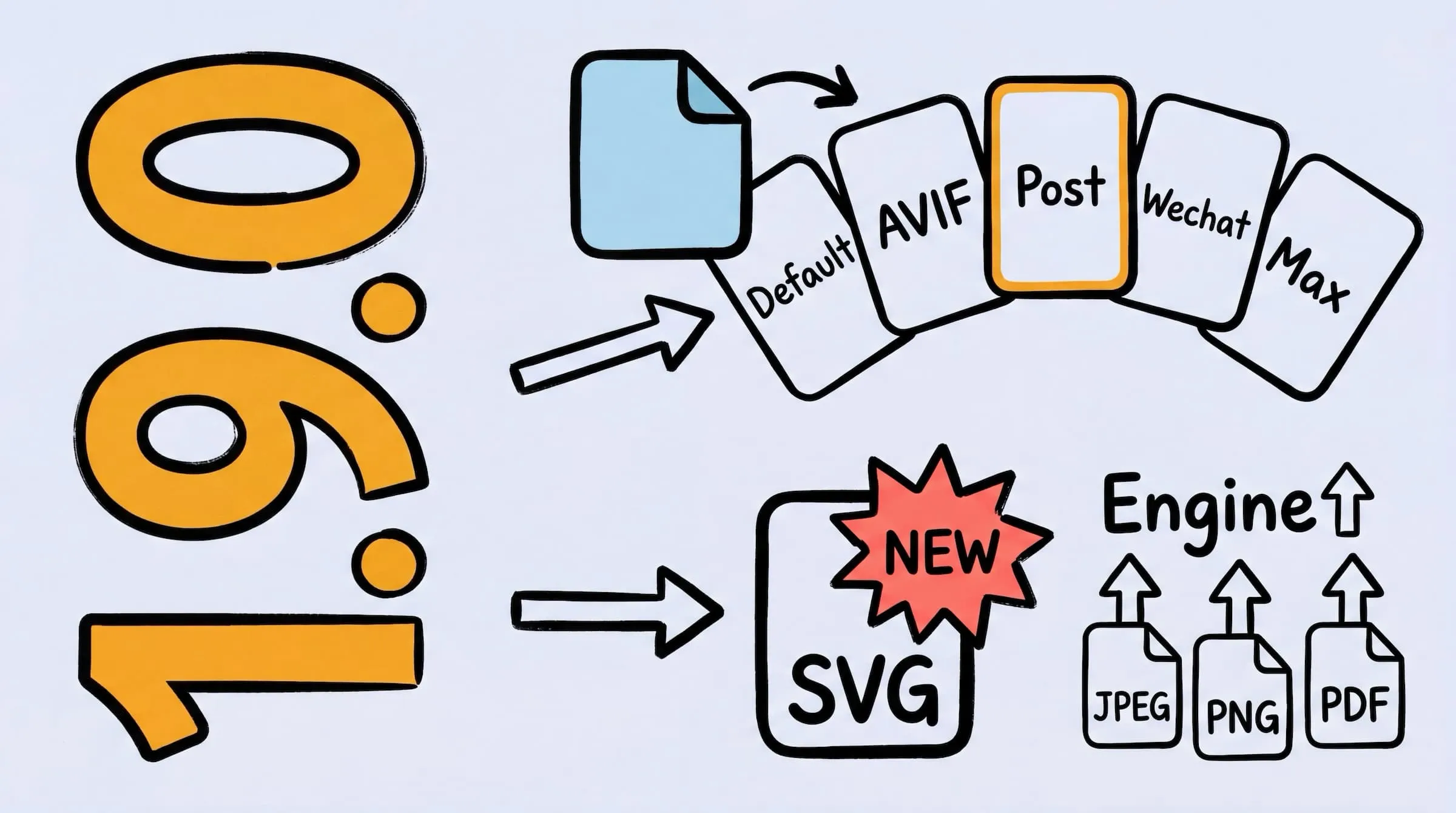
Zipic v1.9.0 — New SVG compression, APNG support, enhanced JPEG/PNG/PDF engines, smart skip for compressed files, quick preset switching, and Display P3/HDR/ICC color fidelity improvements.
Thanks to everyone for your valuable feedback and suggestions, helping Zipic evolve! 🙌
✨ New Features
- JPEG Compression Engine Enhanced — Fine-tuned compression parameters with a brand-new pipeline for better results and faster processing.
- PNG Compression Engine Enhanced — Brand-new in-house engine delivers faster compression at comparable quality, with added APNG animated image support (Pro).
- SVG Compression — Optimize SVG files with 6 compression levels, from conservative to maximum; comparison view renders SVGs as live vectors (Pro).
- Enhanced PDF Compression — New Ghostscript engine delivers dramatically better PDF compression with font and stream optimization; encrypted PDFs are detected with a friendly prompt (Pro).
- Smart Skip for Compressed Files — Automatically recognizes previously compressed files to avoid redundant processing; re-compresses when settings change or files are modified.
- Quick Preset Switching on Drop — Hold ⌥ (Option) while dragging files to the main window or notch area to quickly choose a different compression preset.
- Debug Mode — Tap the app icon 5 times in the License view to activate; easily export runtime logs for troubleshooting.
🐛 Bug Fixes
- Fixed JPEG compression causing thin lines to split and produce ringing artifacts.
- Fixed NotchDrop and notification windows not appearing in full-screen apps.
- Fixed missing close animation when NotchDrop disappears.
- Fixed trackpad two-finger gestures and other non-drag actions falsely triggering NotchDrop.
- Fixed Finder window title bar drag falsely triggering NotchDrop.
- Fixed files not being compressed after dropping onto the Notch area.
- Fixed NotchDrop falsely appearing after display changes or lid open/close.
- Fixed voice input and other transient clipboard content triggering repeated compression.
- Fixed clipboard monitor writing back results for non-image content.
- Fixed crash when clicking the license Manage button.
🚀 Other Improvements
- Better Color Fidelity — Wide color gamut (Display P3) images are no longer downgraded to sRGB, preserving accurate colors.
- HDR-Safe Processing — HDR photos retain their high dynamic range data during compression.
- ICC Profile Preservation — WebP, AVIF, TIFF and other formats now preserve original color profiles for consistent color reproduction.
- Improved Dependency Installation — External tool installation now uses an in-app guided window with download progress and automatic retry.
- File monitoring deduplication is more reliable, eliminating potential runaway list growth.