What Is a WebP File? Benefits, Drawbacks & Browser Support
What is a WebP file? Learn its benefits, drawbacks, browser support, differences from JPEG, PNG, and AVIF, and how to create WebP images on Mac.
Updated:
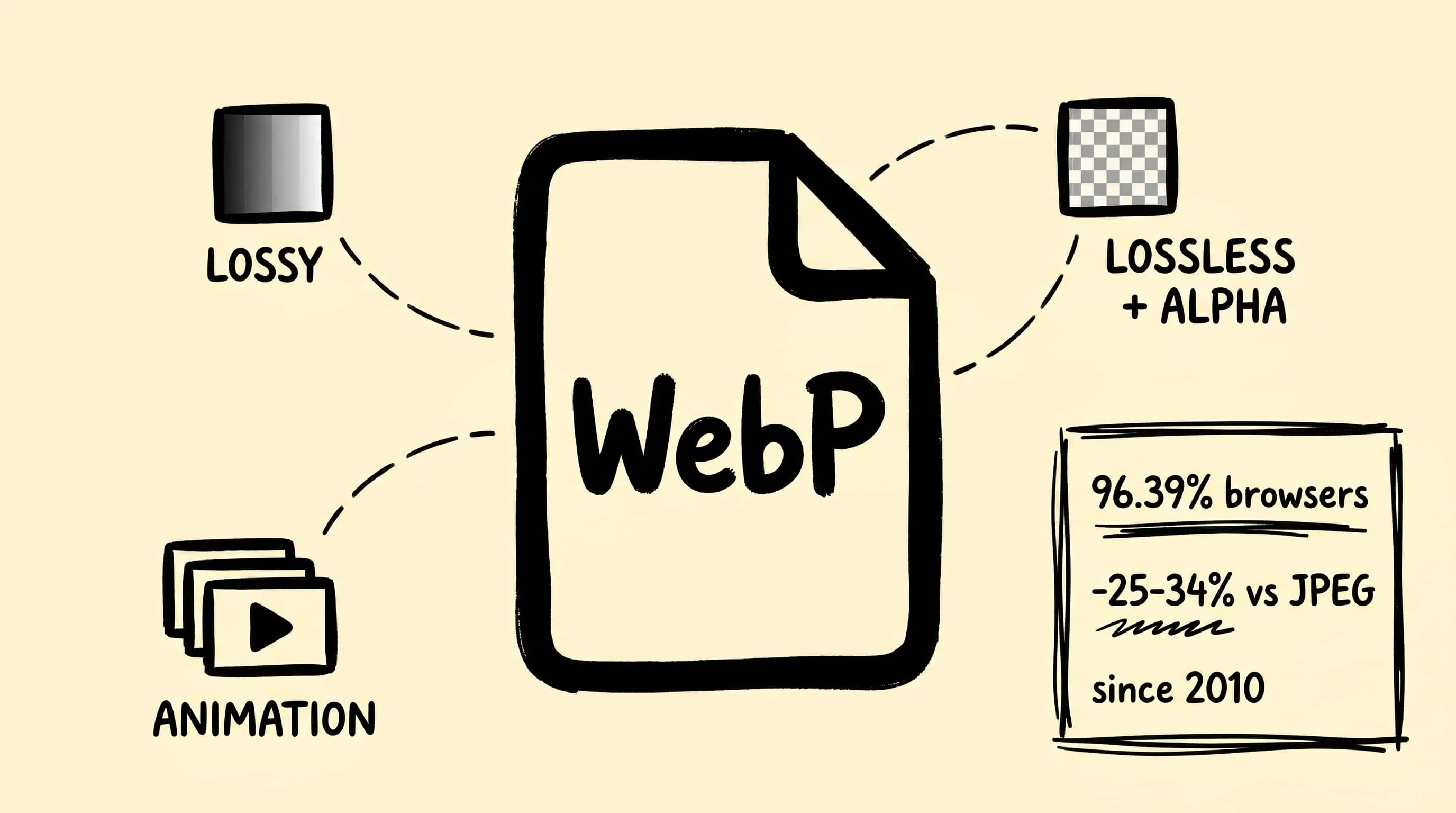
A WebP file is a modern image format created by Google for smaller web images. It supports lossy and lossless compression, transparency, animation, and metadata. Compared with JPEG or PNG, WebP usually delivers a smaller file at similar visual quality, and every major browser supports it in 2026. Its main drawback is uneven support in older desktop apps and legacy workflows.
This guide explains what WebP is, when to use it, how it compares with JPEG, PNG, and AVIF, and how to create WebP files on a Mac. The deeper sections cover its VP8 origins and compression design; practical comparisons are available in JPEG vs PNG vs WebP and AVIF vs WebP vs JPEG.
| Quick answer | WebP |
|---|---|
| Best for | Website images, product photos, UI assets, and lightweight animation |
| Key benefits | Small files, transparency, animation, and broad browser support |
| Main drawback | Some older image editors and publishing tools need conversion |
| Compared with JPEG/PNG | Usually smaller at similar quality; one format covers both photos and transparency |
| On Mac | Preview can open WebP; Zipic can batch-compress or convert WebP locally |
What Is WebP? A Quick Definition
WebP is an image format developed by Google, first released on September 30, 2010. It supports both lossy and lossless compression, transparency (alpha channel), animation, and metadata — replacing the use cases of JPEG, PNG, and GIF in a single container. Its goal from day one has been smaller files at the same visual quality, which makes it primarily a web format rather than a master/archival one.
The name is pronounced “weppy.” The official file extension is .webp and the MIME type is image/webp.
The History of WebP: From VP8 to Web Standard
WebP’s design choices make sense once you know it is, technically, an image extracted from a video codec.
- 2010-09-30 — Google announces WebP, derived from the VP8 video codec acquired with On2 Technologies. Initial release supports lossy compression only.
- 2011-10-03 — The Extended File Format lands, adding animation, ICC color profiles, XMP/Exif metadata, and tiling support. WebP becomes a real container, not just a single-frame codec.
- 2011-11-18 — Google announces lossless compression and an alpha channel. Both ship enabled by default in libwebp 0.2.0 on August 16, 2012, which is the moment WebP becomes a viable PNG replacement.
- 2014 — Chrome, Opera, and Android browsers ship native support; Firefox, Safari, and Edge still hold out.
- 2018-2020 — Firefox 65 (Jan 2019), Microsoft Edge (Chromium-based, 2020), and finally Safari 14 / iOS 14 (September 2020, macOS Big Sur and iOS 14) all add native decoding, ending WebP’s “Chrome-only” reputation.
WebM, the open video format, is a sibling project from the same VP8 lineage. They share an encoder family, which is why Google has been able to push improvements to both with the same engineering team for the last decade.
How WebP Compression Works
WebP exposes two distinct compression modes in the same container:
Lossy WebP uses predictive coding borrowed from VP8 keyframes. Each macroblock is predicted from neighboring blocks; only the residual difference between the prediction and the actual pixels is encoded. The residual is transformed (DCT-like), quantized, and entropy-coded. Compared to JPEG’s older block-based DCT, prediction lets the encoder spend bits only where the prediction is wrong — typically the file-size win is meaningful on smooth images and modest on already-noisy ones.
Lossless WebP is unrelated to VP8. It uses a mix of LZ77-style backward references, a custom Huffman entropy coder, color-cache prefixing, and small per-image color palettes. The encoder can pick from multiple “transforms” per image to preprocess the pixel stream into a form that compresses more tightly.
The practical takeaway: lossy WebP competes with JPEG, lossless WebP competes with PNG, and the encoder picks per-image which transforms to apply.
WebP Capabilities at a Glance
| Capability | WebP | JPEG | PNG | GIF |
|---|---|---|---|---|
| Lossy compression | ✅ | ✅ | ❌ | ❌ |
| Lossless compression | ✅ | ❌ | ✅ | ✅ |
| Transparency (alpha) | ✅ | ❌ | ✅ | ⚠ 1-bit only |
| Animation | ✅ | ❌ | ❌ | ✅ |
| ICC color profile | ✅ | ✅ | ✅ | ❌ |
| Exif / XMP metadata | ✅ | ✅ | ✅ | ❌ |
| Tiling | ✅ | ❌ | ❌ | ❌ |
WebP is, in effect, PNG + JPEG + GIF combined, which is why a single web pipeline can converge on it instead of branching by use case.
WebP File Size: Real Numbers from Google’s Study
Google’s own WebP Compression Study — comparing WebP and JPEG on a corpus of about 11,000 face-detected web images plus the Kodak and Tecnick reference sets, all matched at the same SSIM index — found that lossy WebP files are 25 to 34% smaller than equivalent-quality JPEG files.
For lossless, the separate WebP Lossless Compression Study compared lossless WebP against PNG on a 12,000-image PNG corpus and reported lossless WebP is 42% smaller than libpng’s default output and 23% smaller than ZopfliPNG, the most aggressive PNG re-encoder available.
A few qualifications worth noting:
- The study uses SSIM as the perceptual metric. SSIM is a reasonable proxy but not identical to “looks the same to a human” — at extreme low qualities, the WebP advantage narrows.
- The 25–34% range is for lossy WebP. The 23–42% lossless range depends entirely on which PNG encoder you compare against.
- Compression ratios depend heavily on image content. A high-noise photo benefits less than a clean illustration.
Browser Support in 2026
As of March 2026, caniuse.com reports WebP at 96.39% global browser support. The remaining ~3.6% lives in Internet Explorer, very old Safari/Firefox versions, and a long tail of niche browsers.
| Browser | Native WebP support since |
|---|---|
| Chrome / Chromium | 32 (lossless + alpha), 17 (lossy) — 2014 |
| Edge | 18 (legacy), 79+ (Chromium) |
| Firefox | 65 — January 2019 |
| Safari (macOS) | 14 — September 2020 (Big Sur) |
| Safari (iOS) | 14 — September 2020 |
| Opera | 19+ |
| Samsung Internet | 4+ |
What does not support WebP:
- Internet Explorer 5.5–11
- Safari ≤13.1 (any pre-Big Sur Mac, any pre-iOS 14 device)
- Firefox ≤64
- Chrome ≤8 (effectively never seen in modern analytics)
Practically, if your audience includes meaningful traffic from pre-2020 iOS devices or enterprise IE installs, ship a JPEG/PNG fallback via <picture> elements. Otherwise, WebP-only is now a defensible default.
WebP Limitations You Should Know
WebP is not a free lunch. The most important caveats:
- 8-bit YUV 4:2:0 only. WebP cannot encode 10-bit or higher color depth. HDR workflows, wide-gamut Display P3 photography that needs ≥10-bit, and high-fidelity image editing all need to live elsewhere (HEIC, AVIF, or JPEG-XL handle 10-bit; AVIF and JPEG-XL also handle 12-bit and HDR).
- Encoder is slower than JPEG. WebP’s prediction-based encode is computationally heavier than JPEG’s DCT pipeline. For static assets this is invisible; for real-time on-demand encoding (e.g. a CMS that serves freshly-encoded WebP per request without caching), the overhead matters.
- Partial-transparency artifacts. Lossy WebP can show banding or haloing on smooth gradients with partial alpha. Lossless WebP avoids this but at larger file size.
- Desktop editor support is uneven. Photoshop has had built-in WebP since version 23.2 (February 2022). Affinity Photo 2 added it in 2022. Older Adobe versions and many editing tools still need a plugin or external converter.
When Should You Use WebP?
✅ Use WebP for:
- Website hero images, thumbnails, and inline article images
- UI icons that need transparency at smaller size than PNG
- Replacements for animated GIFs (often 60–90% smaller)
- CMS-driven sites where you can serve WebP with a JPEG/PNG fallback
❌ Avoid WebP for:
- HDR or 10-bit color workflows (use HEIC / AVIF / JPEG-XL)
- RAW master files that will be edited and re-exported (keep RAW or DNG)
- Intranet apps with mandatory IE compatibility (use JPEG/PNG)
- High-precision archival originals (lossless PNG or TIFF is more universal)
For the deeper “should I use WebP, AVIF, or JPEG?” decision, see AVIF vs WebP vs JPEG and the broader How to Choose the Right Image Format.
How to Create WebP Files on Mac
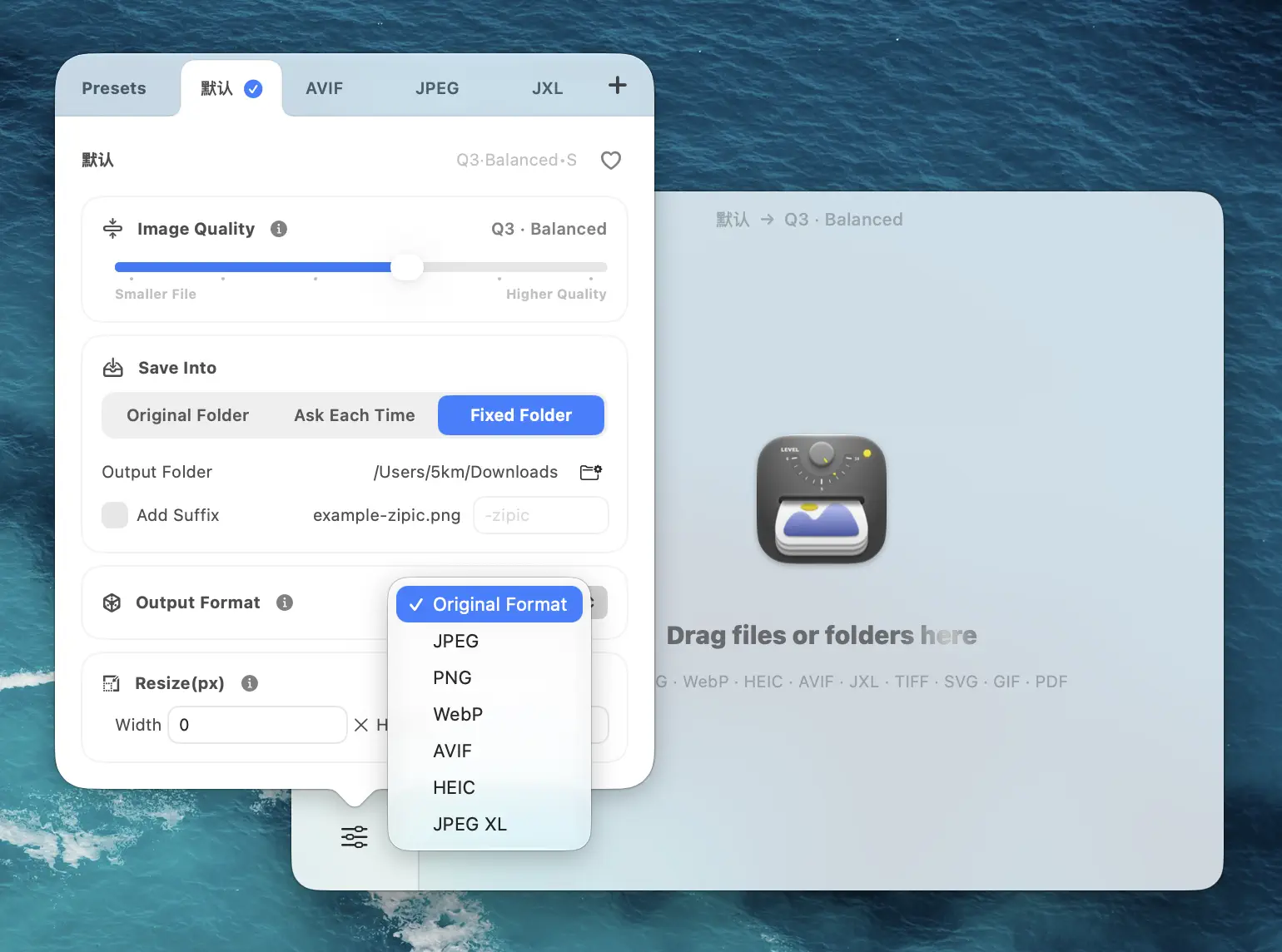
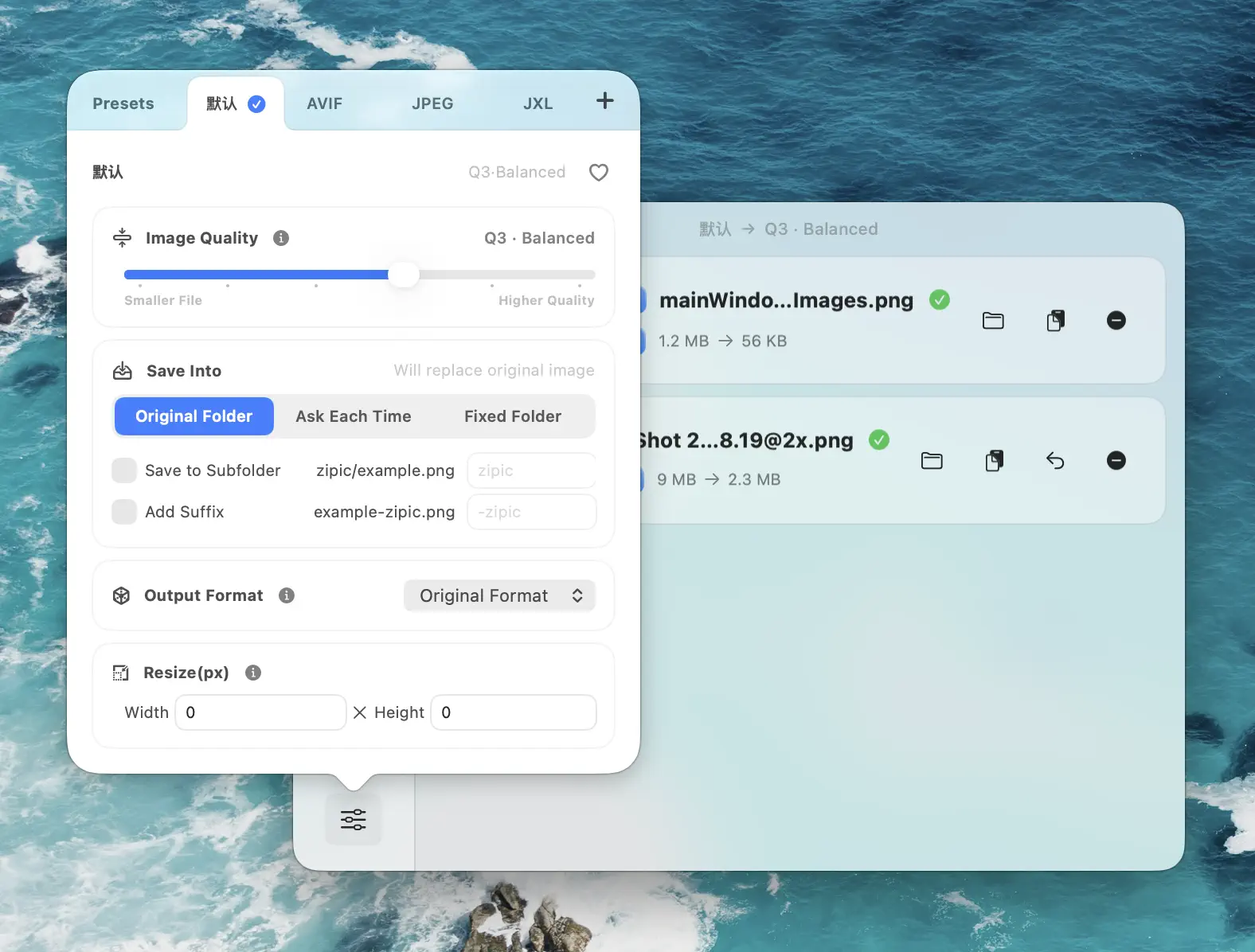
The simplest path on Mac is Zipic: set Save Format to WebP in Settings → Compression, pick a compression level, and drop any supported image type (JPEG, PNG, HEIC, GIF, etc.) into the window. Zipic accepts 12 input formats and converts in batch with folder structure preserved.
For build pipelines, install cwebp from Homebrew (brew install webp) and script it from CI. For deeper coverage of WebP-specific workflows, see WebP Image Optimizer for Mac.
FAQ
Can WebP do animation like GIF? Yes. The Extended File Format added animation support in 2011-10-03. Animated WebPs are typically 60–90% smaller than equivalent GIFs at the same visual quality, with full 24-bit color and alpha (where GIF is capped at 256 colors and 1-bit transparency).
Should I pick lossy or lossless WebP?
Lossy for photographs and continuous-tone web images — this is where you get the 25–34% file-size win over JPEG. Lossless for screenshots, illustrations, UI elements, or anywhere you would have used PNG. WebP encoders default to lossy for .jpg inputs and lossless for .png inputs, which is usually the right call.
Does WebP work on iPhone and iPad?
Yes, since iOS 14 (September 2020). Older iOS versions cannot decode WebP natively. If you are publishing for an audience that includes pre-2020 iOS devices, serve a JPEG fallback via <picture>.
Does using WebP help SEO? Indirectly. Google’s PageSpeed Insights flags non-next-gen formats and rewards faster Core Web Vitals (especially LCP). Smaller, faster-loading WebP images can lift LCP scores, which is now a confirmed ranking signal. WebP itself has no direct SEO bonus — the speed it enables does.
WebP is fifteen years old, supported by 96.39% of browsers, and produces 25–34% smaller files than JPEG at matched quality. It is no longer the future — it is the present default for web images. Download Zipic to convert any image to WebP on Mac in batch, or upgrade to Zipic Pro to unlock all 12 formats and unlimited daily conversions. Every download includes a full 7-day Pro trial.
Related Articles
Related Reading
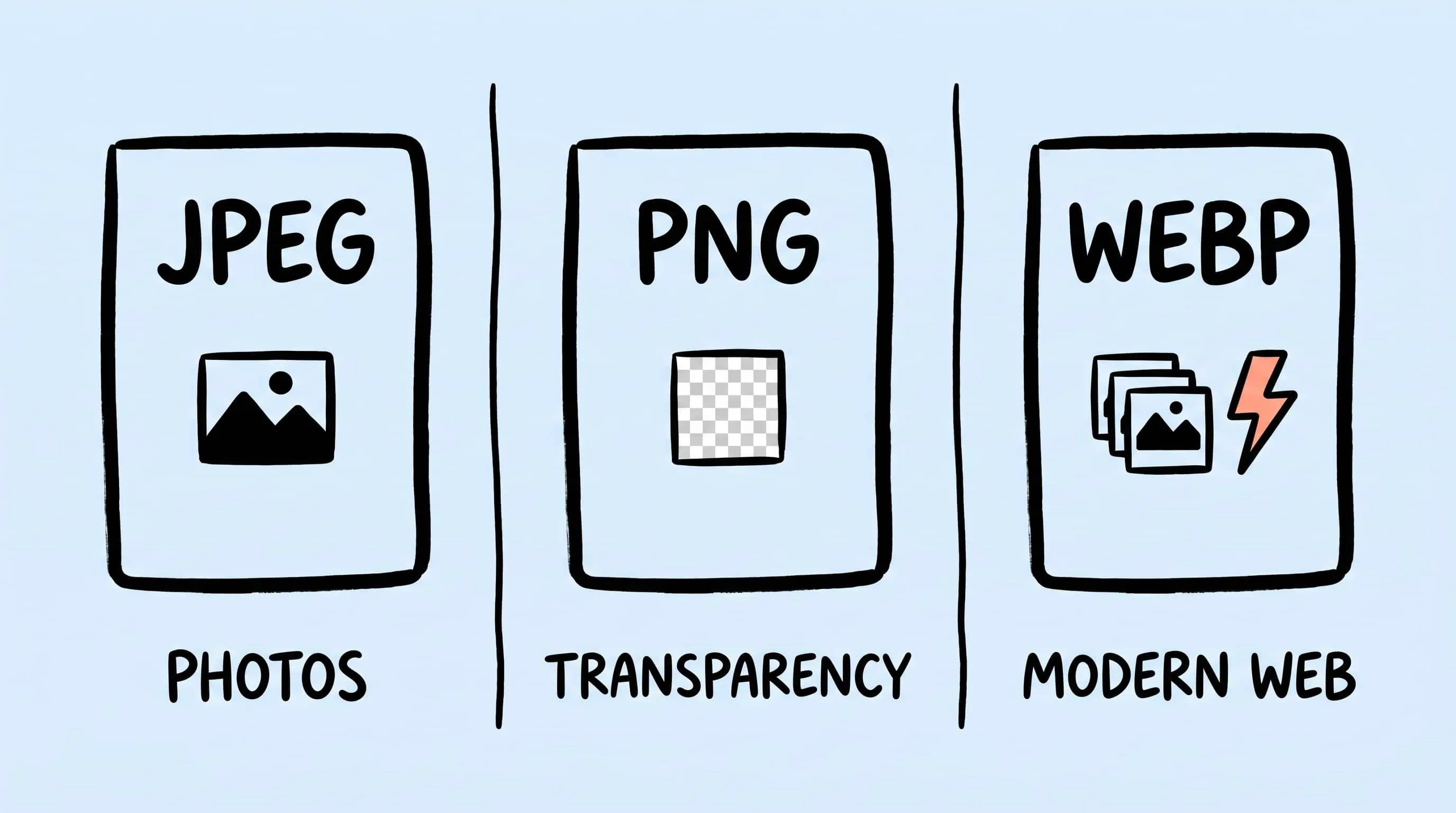
WebP vs PNG: Quality, File Size & Transparency Compared
WebP vs PNG: both support transparency. Compare file size, lossless quality and compatibility for photos, screenshots and logos, with JPEG as a fallback.
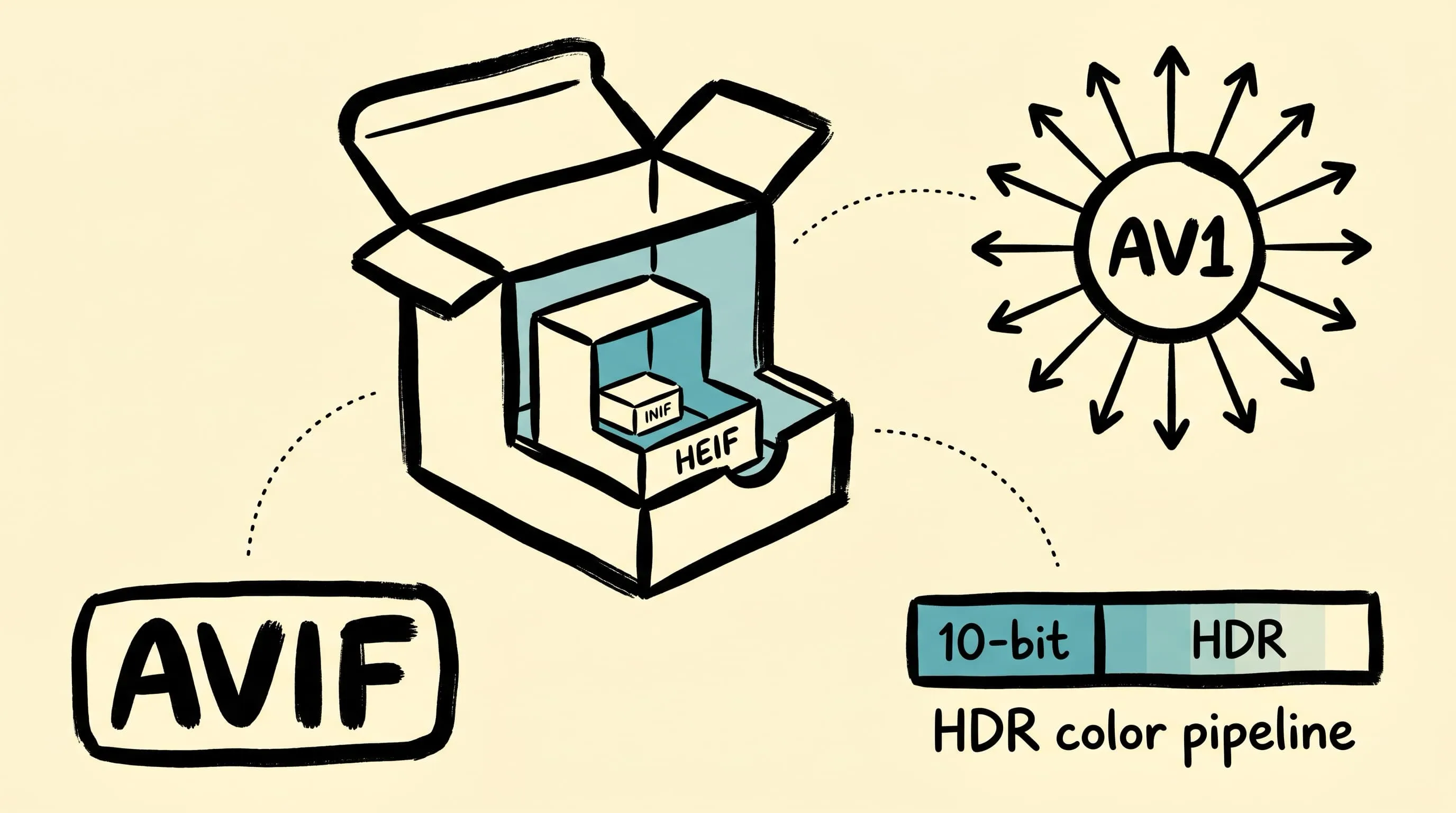
What Is an AVIF File? Benefits, Drawbacks & Browser Support
What is an AVIF file? Learn its compression benefits, drawbacks, browser support, differences from WebP and JPEG, and how to create AVIF images on Mac.
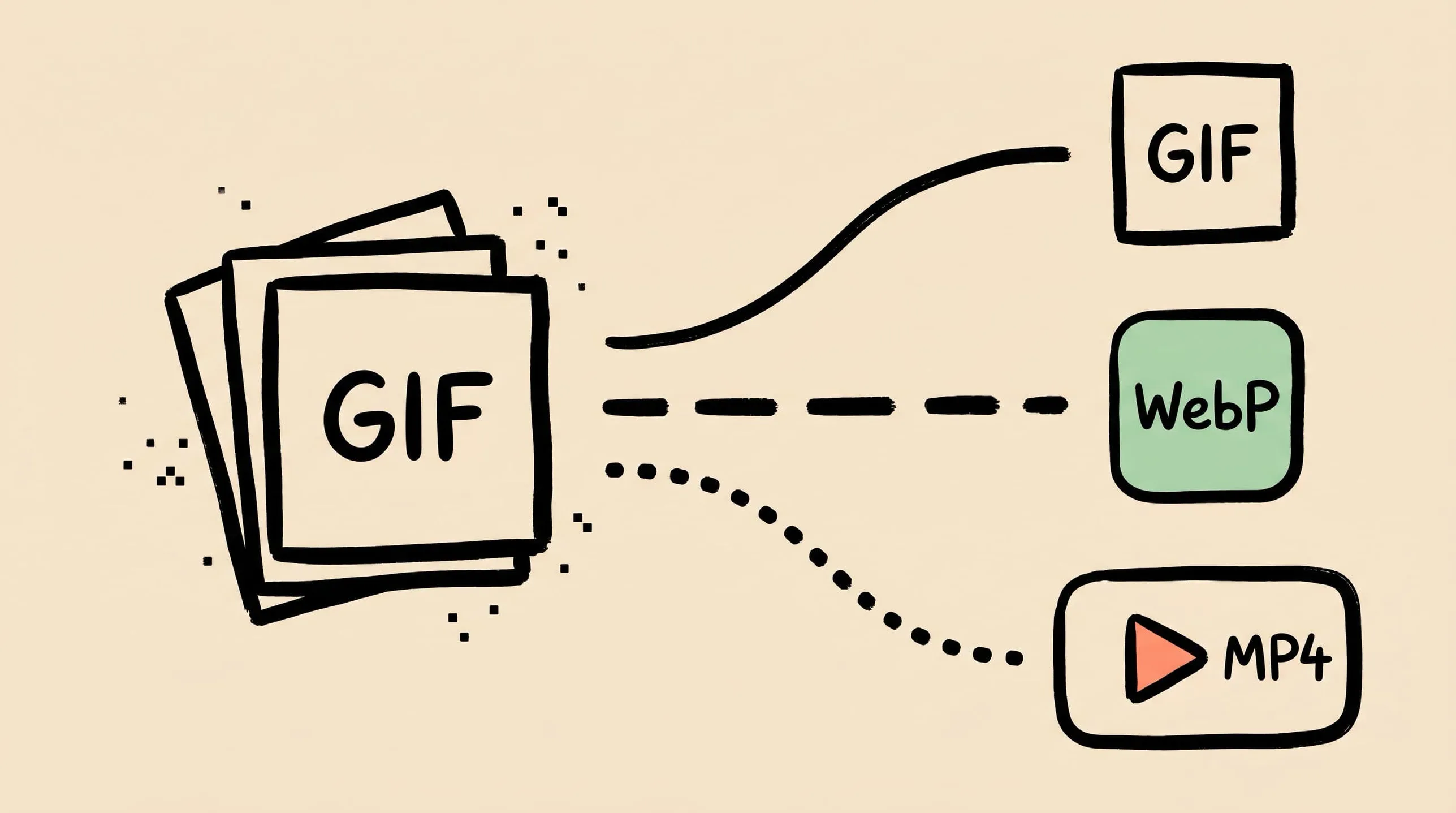
GIF Compression on Mac: Reduce Size and Keep Animation
Animated GIFs are often 10x larger than they need to be. Learn why, when to keep GIF vs convert to WebP/MP4, and how to compress GIFs on Mac in 2026.
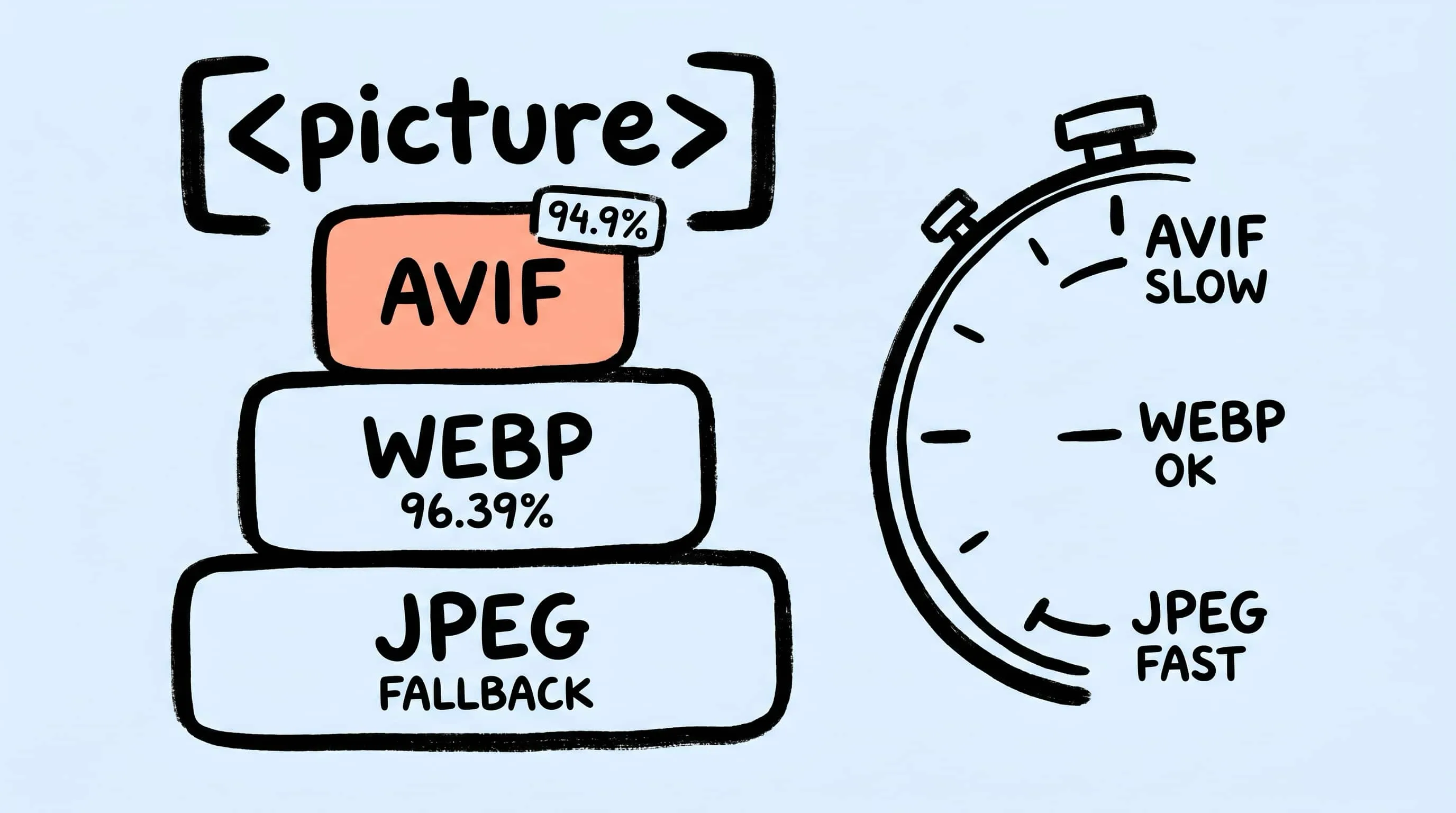
AVIF vs WebP vs JPEG: The Ultimate Format Comparison
AVIF vs WebP in 2026: browser support, compression ratios, encoding cost, transparency, and fallback strategy — with cited benchmarks and decision matrix.